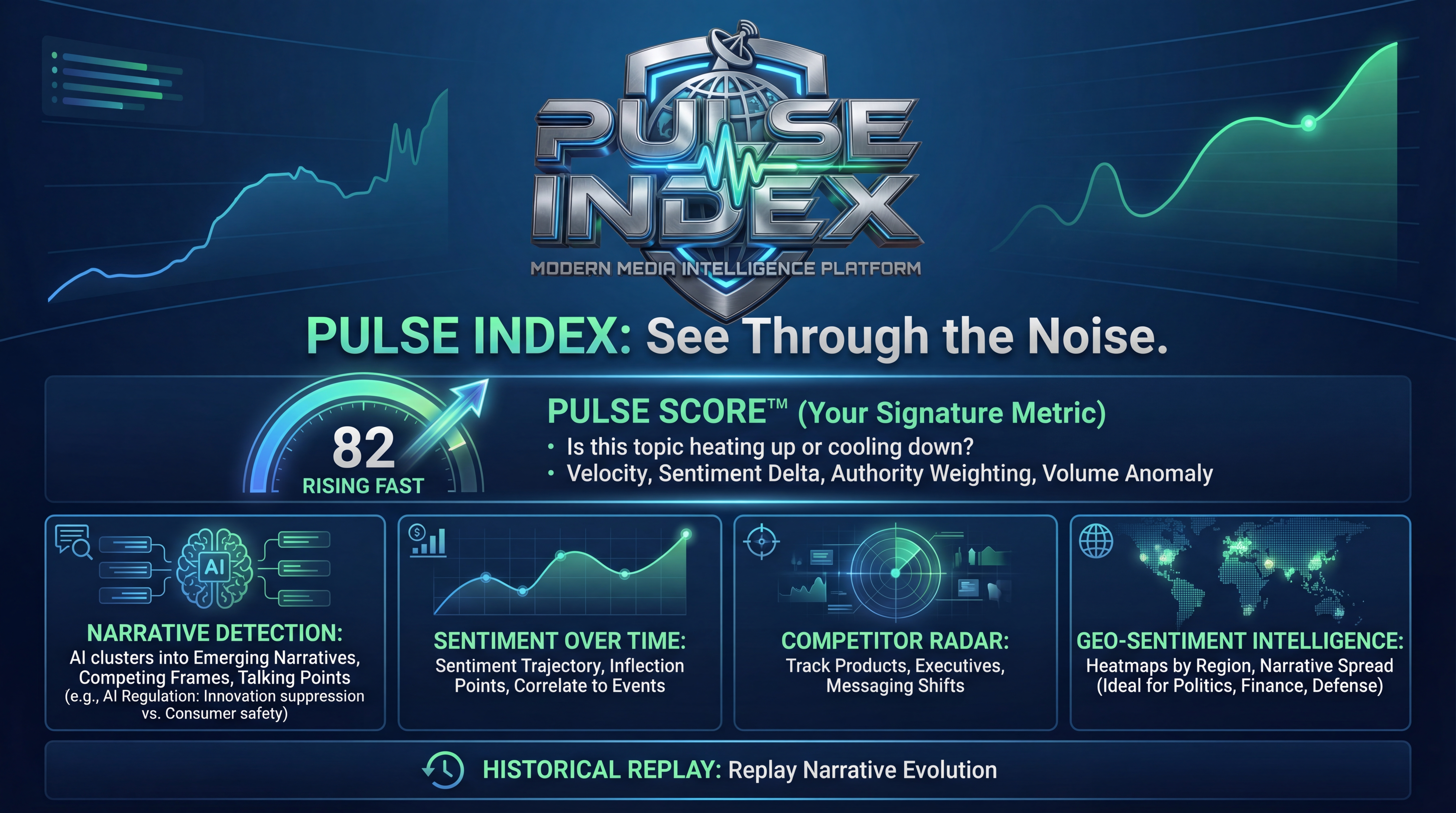
About Pulse Index
A powerful tool designed to help you stay informed about specific subjects across various online platforms. Automate your monitoring process and never miss important updates.
What is Pulse Index?
Pulse Index is a comprehensive monitoring solution that helps you track keywords and topics across YouTube videos and RSS feeds. Whether you're tracking news, research, hobbies, or brand mentions, Pulse Index automates the monitoring process, saving you time and ensuring you don't miss important updates.
What Can It Do?
🔍 Search Video Transcripts
Instantly find specific keywords within the transcripts of YouTube videos using just the video URL. Get timestamped links to jump directly to the relevant parts. Search through hours of video content in seconds, perfect for research, fact-checking, or finding specific discussions.
📺 Monitor YouTube Channels
Subscribe to specific YouTube channels and receive notifications whenever new videos mention your chosen keywords. Stay updated automatically without manually checking channels. Set custom check intervals from every 30 minutes to daily, giving you complete control over monitoring frequency.
📰 Monitor RSS Feeds
Add RSS feed URLs and get notified when new articles or entries contain your specified keywords. Track blogs, news sites, and publications. Automatically discover RSS feeds from websites, or manually add feeds from your favorite sources. Monitor multiple feeds simultaneously with different keyword sets.
🌐 Website Crawling
Scan websites for your keywords across multiple pages. The web crawler can search up to 10 pages from any website you specify, making it perfect for one-time research or setting up website subscriptions for ongoing monitoring. Great for tracking company pages, blogs, or news sites without RSS feeds.
🔔 Unified Notifications
All your findings are collected in a central notification list, linking you directly to the source content (YouTube videos with timestamps or RSS articles). Mark notifications as read, delete individual items, or clear all at once. Never miss an important mention with our organized notification system.
📊 Command Center Analytics
Access comprehensive analytics about your monitoring activity. View mention volume trends, top keywords, channel activity, sentiment distribution, and engagement metrics. Export reports to PDF or CSV for presentations and analysis. Track your monitoring performance over time with detailed charts and statistics.
⚡ Web Pulse News Analysis
Get insights into global news sentiment with our Web Pulse feature. Analyze headlines from 100+ news sources worldwide to understand sentiment trends, top keywords, category distributions, and trending topics. Perfect for understanding public sentiment on topics that matter to you.
🔐 Flexible Subscription Management
Easily manage all your subscriptions from one dashboard. Pause or activate subscriptions without deleting them, perfect for temporarily stopping monitoring without losing your settings. Edit keywords, change check intervals, and organize subscriptions by category or priority.
📈 Search History Tracking
Keep a record of all your video searches with full search history. Quickly re-run previous searches, view search statistics, and track your research patterns. Your search history helps you stay organized and makes it easy to revisit important content.
🎯 Multi-Keyword Monitoring
Monitor multiple keywords simultaneously across all your subscriptions. Enter comma-separated keywords to track related topics together. Get notified when any of your keywords appear, making it easy to monitor complex topics or brand variations.
Who Is It For?
Pulse Index is ideal for professionals and enthusiasts who need to stay informed
Researchers & Academics
Track the latest publications, discussions, or video presentations in your field. Stay current with developments without manually checking dozens of sources.
- Monitor academic channels and publications
- Track specific research topics
- Find relevant conference talks
- Stay updated on peer research
Journalists & Content Creators
Monitor news sources, competitor channels, or specific event coverage. Research faster and stay ahead of breaking news in your beat.
- Monitor multiple news sources simultaneously
- Get instant alerts on breaking stories
- Search video transcripts for quotes
- Never miss a story in your coverage area
Businesses & Marketers
Keep an eye on brand mentions, industry trends, or competitor activities. Track customer feedback and discover market opportunities.
- Track brand mentions and reputation
- Monitor competitor content and strategies
- Discover industry trends and opportunities
- Track customer feedback and discussions
Hobbyists & Enthusiasts
Follow your passions without the information overload. Whether it's gaming, cooking, tech reviews, or any niche interest, get notified only about content that matters.
- Filter through content noise
- Track specific topics in your hobbies
- Discover new creators in your niche
- Never miss important updates
Influencers & Creators
Track who's talking about you and stay more engaged with your community. Monitor mentions across YouTube channels and blogs, respond to discussions, and discover collaboration opportunities.
- Track brand and name mentions in real-time
- Engage with discussions about your content
- Find collaboration opportunities
- Monitor competitor channels and trends
Students & Educators
Enhance your learning and teaching with targeted content discovery. Subscribe to educational channels, track course-related topics, and find supplementary materials automatically.
- Find relevant educational content quickly
- Track course topics across multiple channels
- Discover supplementary learning materials
- Stay updated on subject matter developments
How It Works
1. Search or Subscribe
Manual Search: Paste any YouTube video URL and enter your keywords to instantly search through the video transcript. Results show exact timestamps where your keywords appear, allowing you to jump directly to relevant moments.
Create Subscriptions: For ongoing monitoring, subscribe to YouTube channels or RSS feeds. Simply provide the channel URL or RSS feed link, enter your keywords (comma-separated for multiple keywords), and set your preferred check interval. You can also set up website subscriptions for sites without RSS feeds.
2. Automatic Monitoring
Our automated system runs in the background, continuously monitoring all your active subscriptions according to your specified check intervals. For YouTube channels, we check for new videos and scan their transcripts. For RSS feeds, we monitor for new articles and search through titles and content. Website subscriptions crawl specified pages for keyword matches.
The system uses intelligent scheduling to avoid overloading sources while ensuring you get timely updates. You can customize check intervals from every 30 minutes to daily, or set custom intervals that work best for your needs.
3. Get Notified
When matches are found, you receive instant notifications in your notification center. Each notification includes:
- For YouTube videos: Clickable timestamps that jump directly to the exact moment your keyword appears, video title, channel name, and a transcript snippet showing context around the match.
- For RSS articles: Article title, source publication, publication date, and a link to the full article.
- For website matches: Page URL, page title, and the specific content where your keyword was found.
Notifications are organized chronologically, and you can mark them as read, delete individual items, or clear all notifications at once.
4. Stay Informed & Analyze
All your findings are organized in one central dashboard. The Command Center provides comprehensive analytics including:
- Mention Volume Trends: See how often your keywords are mentioned over time with 7-day and 30-day charts.
- Top Keywords: Discover which keywords generate the most matches.
- Channel & Source Activity: Identify which channels or feeds mention your keywords most frequently.
- Sentiment Analysis: Understand the emotional tone of mentions across your monitored sources.
- Export Reports: Download PDF or CSV reports for presentations, analysis, or record-keeping.
With Web Pulse, you can also analyze global news sentiment to understand broader trends and public opinion on topics related to your keywords.
Ready to Get Started?
Join users who are already saving time and staying informed
Coming in 2026